Promatrix ERP
A multi-tenant ERP for Saudi businesses, built solo. 18 modules — from the general ledger to payroll and point of sale — post to one ledger. VAT, ZATCA e-invoicing, GOSI and WPS live inside the system, in Arabic, English and French.
The problem
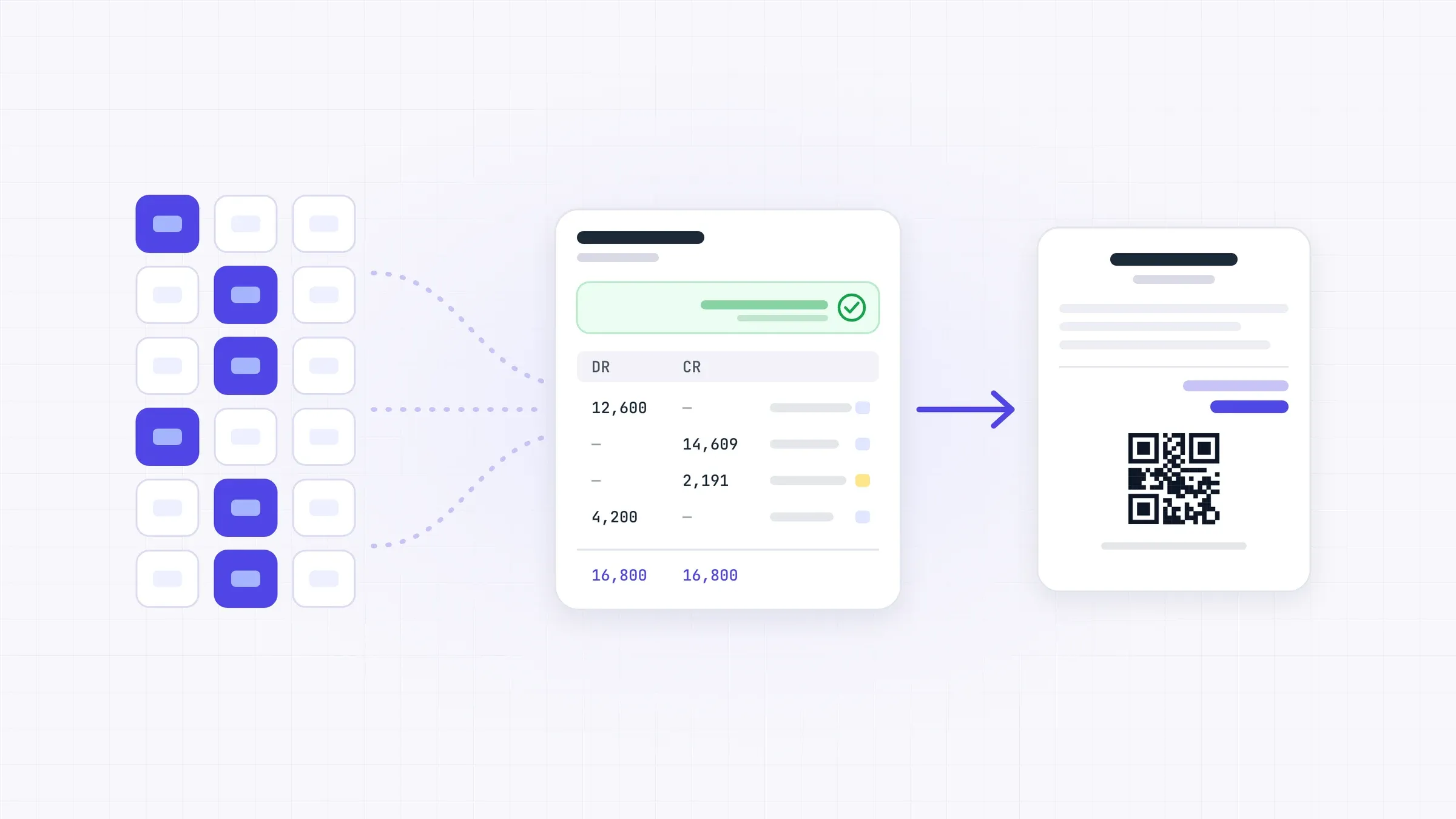
Most small and mid-sized Saudi businesses do not lack a system. They have four: an accounting package, a stock program, a payroll spreadsheet and a purchasing notebook. Each is right on its own, and no two of them agree. At month end someone reconciles them by hand.
Compliance makes it worse. The VAT return, ZATCA e-invoicing, GOSI and WPS are each handled somewhere else. And Arabic is usually a rushed translation with printing that breaks direction.
The goal: one system where every module posts to the same ledger, Saudi rules are part of the data model, and one codebase serves very different industries without forks.
What I did
- Designed a schema-per-tenant model on PostgreSQL: each company is isolated, and all run from one codebase.
- Built the finance core: double-entry ledger, cost centres, fiscal periods, and a trial balance that checks itself. Every document posts to the ledger automatically.
- Built the tax engine: ZATCA tax codes with exemption reasons, VAT computed from ledger movement, tax invoices with QR, and Phase 2 clearance and reporting through a shared broker.
- Designed the category engine (below): one setting decides tracking, costing and the ten accounts each item posts to.
- Built Saudi payroll: salary components as formulas, GOSI for employee and employer, end-of-service provisions, WPS bank files, and posting to the ledger.
- Built a report registry: each module declares its reports as data, and one shared reports screen reads them — 155 reports today, each with its own permission.
- Built module control: switch modules on or off, with dependency checks. At sign-up, the company picks its activity and the system sets itself up.
- Built three full interfaces — Arabic, English and French — with right-to-left support, one shared print renderer, A4 and thermal receipts, and approval workflows.
Architecture
-
Clients
- Web app · Vue 3 + Inertia
- POS terminals
- Print: A4 & thermal
-
Core
- Laravel API
- Tenant resolver
- Category engine (key component)
- Accounting ledger
- Report registry
-
Data & integrations
- PostgreSQL · schema per tenant
- Queue workers
- ZATCA broker
- WPS bank files
The hard part: One category setting decides tracking, costing and accounts.
A pharmacy tracks batches and expiry dates. An equipment dealer tracks serial numbers. A wholesaler only needs quantity and value. Each one issues stock differently and posts to different accounts.
The easy path is a separate code branch per sector — and a separate product to maintain. Instead, every item belongs to a category. The category holds its behaviour (tracking type, issue policy, costing method, default tax code) and its ten ledger accounts. Receipt, issue, transfer and stock-count screens read the category at runtime and adapt their fields, checks and journal entries. A new sector is new settings, not new code.
| Category | Tracking | What the screens do |
|---|---|---|
| Medicines | Batch + expiry | Ask for batch and expiry; issue first-in, first-out |
| Serialised equipment | Serial number | Track every unit by its serial, from receipt to sale |
| Goods, raw materials | Standard | Quantity and value only |
Results
- 18 modules on one ledger
- 155 ready reports, plus 59 inquiry screens
- 3 full interfaces: Arabic, English, French
- 0 sector-specific forks
- P2 ZATCA Phase 2 built in
- 1 engineer, end to end
What I’d do differently
Build the category engine’s test matrix on day one. Every new category setting multiplies the cases you must check.